Login: How Does It Protect Your Online Accounts?
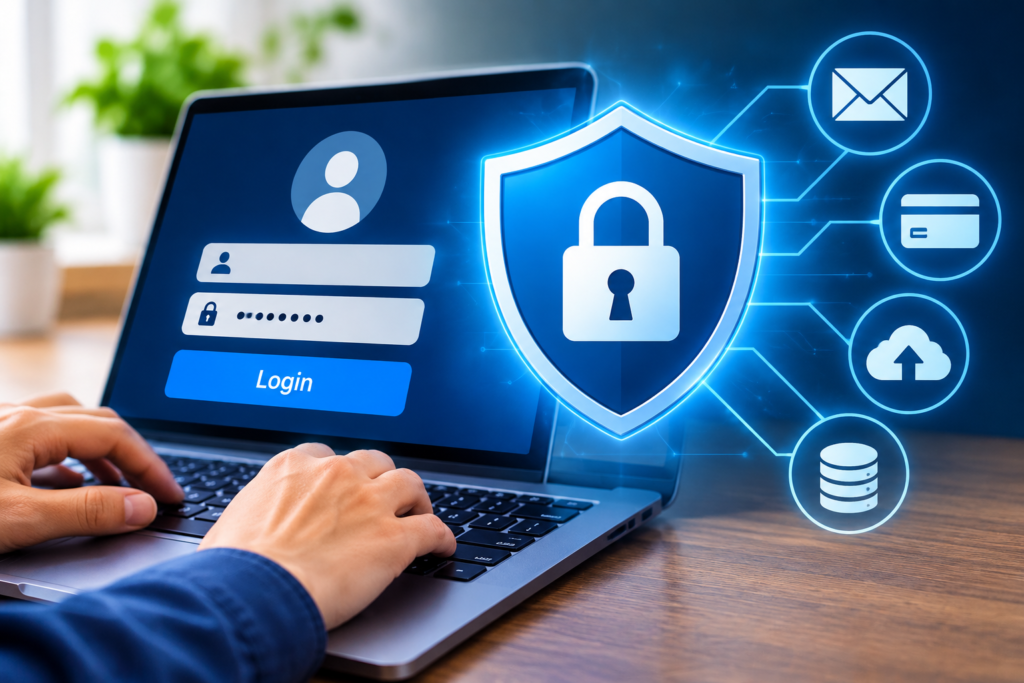
Most people have an online account today with which they shop, bank, interact with social media, study, communicate, and more. The accounts will typically include personal information, financial information, and private data. It’s essential to protect this information, and the login procedure is one of the key parts of online security.
A login system is a mechanism that provides users access to their accounts with information like a username, email address, password, or verification code. It is used to recognise users of websites or applications and to block access to them by unauthorised users.
Another advanced feature of the modern login system is the use of two-factor authentication, biometric verification, and password protection. Knowing how login systems operate can aid users in maintaining the security of their online accounts.
What Is a Login?
Login is an action in which a user enters their registered username and password to log in to a website, application, or online service.
These credentials typically contain a username (or email address) along with a password. Some platforms will also require extra verification to be granted access.
For instance, if an individual accesses an online banking application, they possibly will have to provide their login information and experience an added level of security verification.
The primary function of a login system is to help keep only authorized users accessing protected accounts and information.
How does the login process work?
The login process is multi-step and is designed to ensure the identity of a user.
1. Entering Login Credentials
First, users will log in with their registered username, registered email, and password, or registered phone number and password.
These details are used to determine what account they wish to obtain access to.
2. Verifying User Information
The site or app verifies the submitted credentials with the authentication data in its system.
Usually, passwords are not stored as plain text but as a secure cryptographic hash.
3. Additional Security Verification
For some platforms, additional confirmation is required, such as a one-time password (OTP), a Mobile Application code, or biometric verification.
This extra step is done to provide more evidence of who is trying to log in.
4. Accessing the Account
Once the user logs in to the system successfully, the system enables that user to use the features of their account and to access their account.
Access may be denied if the information is incorrect.
How does login secure online accounts?
There are several critical security features that are offered by login systems, and these are important in protecting personal information.
1. Prevents Unauthorised Access
A login system involves users having to enter valid information before having access to accounts that are protected. This makes it harder for people you don’t know to gain access to your personal profile or confidential information.
2. Protects Personal Information
Online accounts might include names, contact information, messages, photos, and financial information. Login authentication is a way to limit access to this critical information.
3. Supports Two-Factor Authentication
Two-factor authentication (2FA) is an extra layer of security to the login process.
Users, for instance, might be asked to enter a password and then an OTP sent to their registered device or approve a request in an authentication app.
Even if someone discovers a password, the additional verification can help prevent unauthorised access.
4. Helps Control User Access
Businesses and organisations employ logins to manage access to their internal applications, documents, and digital resources.
The administrators can set different permissions based on a user’s role and responsibilities.
5. Improves Account Security Monitoring
There are numerous platforms that track login activities for suspicious login attempts, failed logins, or new devices originating from unusual locations.
Some services notify security if they see something unusual.
What Are the Different Types of Login Methods?
There are a number of ways to log in to online accounts on modern websites and applications.
1. Password-Based Login: Users log in with a username/e-mail address and password.
2. Biometric Login: Fingerprints and facial recognition can be used to verify a user’s identity.
3. One-Time Password (OTP): A one-time password is delivered via SMS, email, or an authentication application.
4. Social Login: Users can log into other web applications through a previous authentication on a supported platform.
5. Passwordless Login: Passkeys, security keys, or other approaches that do not rely on a password are sometimes used.
What Are the Best Practices for Secure Login?
By following good security practices, the risk of account fraud and unauthorized access can be minimised.
- Use good and distinct passwords on various websites.
- Use two-factor authentication if possible.
- Never share passwords or OTP with anybody.
- Don’t log on to sensitive accounts using suspicious links.
- Securely store credentials with a password manager.
- Ensure applications, browsers, and devices are up-to-date.
- Unplug and log off on shared or public computers.
These are helpful to protect accounts and online privacy.
Conclusion
Today, there are many login systems in use in Internet security. They are used to ensure that websites or applications verify users, secure sensitive data, and prevent unauthorised access.
Along with the conventional password-based login, technologies are evolving to verify user identity by biometric measures and passkeys. Users are, however, required to also engage in safe practices online to safeguard online accounts.
Using strong passwords, setting up two-factor authentication, and steering clear of suspicious links can help secure users’ online accounts.
Frequently Asked Questions (FAQs)
1. What does the word “login” mean in layman’s terms?
The login process involves signing into a website or app with a registered username, password, and email address.
2. Why is security in login important?
The security of login is significant as it secures personal data, financial data, private messages, and other sensitive information of an account from unauthorised access.
3. What do login credentials comprise?
The information that is used to identify a user is called login credentials. These can contain a username, email address, password, OTP, or more information.
4. What is Two-Factor Authentication in Logon Systems?
2-Factor Authentication is a security system that requires two types of authentication before gaining access to an account.
5. How do you most safely log in to your online account?
Two-factor authentication or a passkey, in addition to a strong and unique password, can offer greater security for an online account.
6. What is a Passwordless login?
Passwordless login provides users access to accounts without the need to use a traditional password. It can be based on passkeys, biometrics, or security keys.